How to Choose Field Force Management Software for Your Business
The wrong field force management software costs you twice. You pay for the licences, then you pay again when reps stop using an app that is slow, confusing or useless without network coverage. The right one gives you live visibility of your team, verified visits and clean data. Reps also actually use it.
This guide explains what to look for, how to evaluate vendors step by step, and which mistakes to avoid.
What Is Field Force Management Software?
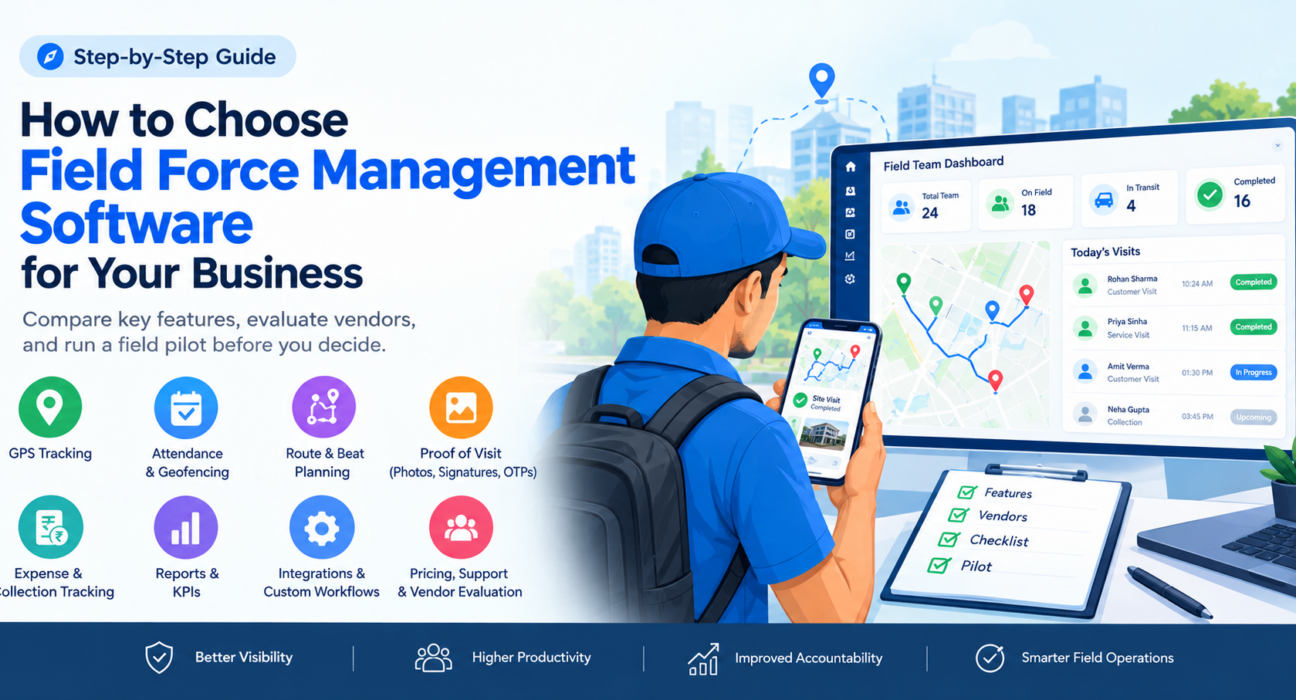
Field force management software is a platform that helps businesses track, assign work to, verify and analyze the activity of employees who work outside the office. It usually combines a mobile app for field staff with a web dashboard for managers.
Typical capabilities include:
- GPS-based attendance and live location tracking
- Task and visit assignment
- Route and beat planning
- Proof of visit (photos, signatures, OTPs)
- Expense and collection tracking
- Reports and KPIs
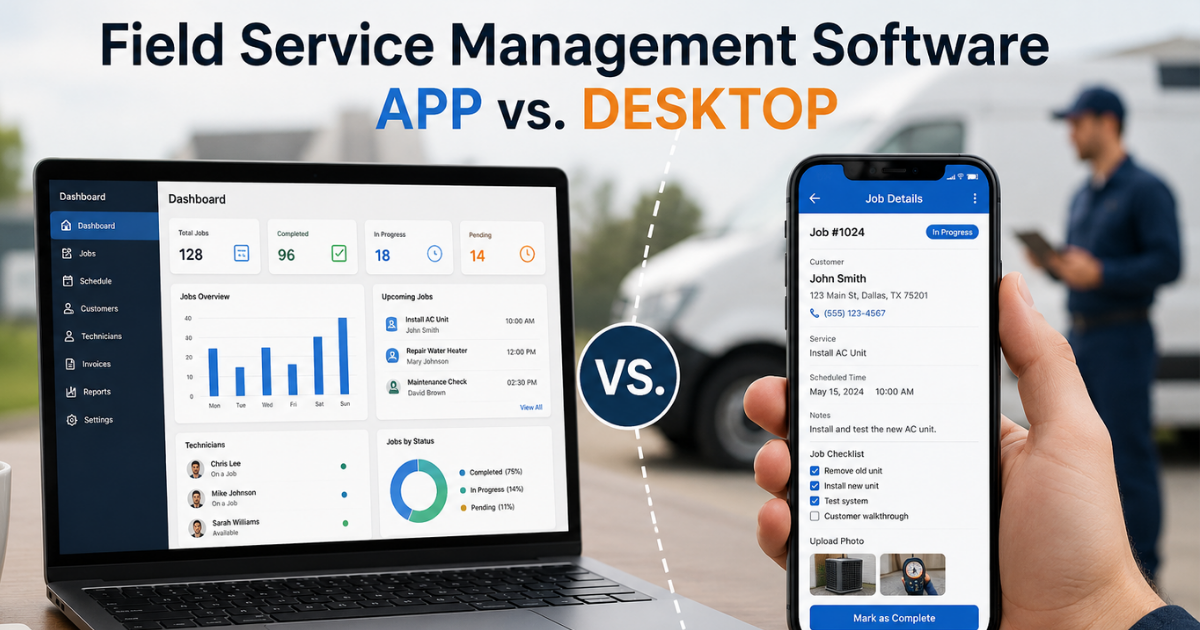
It is closely related to field service management software. The two terms overlap, but field force management usually puts more weight on people, attendance, productivity and sales coverage. Field service management focuses more on jobs, dispatch and service-level agreements (SLAs).
Signs Your Business Needs Field Force Management Software
You likely need a dedicated system if any of these sound familiar:
- You can’t tell where your team is or whether a visit actually happened.
- Attendance is recorded on paper, in WhatsApp messages or in spreadsheets.
- Expense claims arrive late, without receipts, and take weeks to reconcile.
- Route plans are made manually, so reps backtrack and miss customers.
- Managers spend more time chasing updates than coaching people.
- You can’t say which reps, routes or territories perform best.
Each of these is a data problem before it is a people problem. Software fixes the data problem, and that makes the people problem easier to solve.
How to Choose Field Force Management Software: 8 Steps
1. Define the problems you need to solve
Start with outcomes, not features. Write down your top three problems, such as fake attendance, poor visit coverage, slow collections or missed SLAs. Then attach a measurable goal to each one, like fewer missed visits or a shorter expense cycle.
This list becomes your scoring sheet. It stops a polished demo from steering you toward features you will never use.
2. Match the software to your field workflow
A pharma rep visiting doctors, a technician handling repair jobs and a collections agent visiting borrowers all work differently. Check whether the platform supports your kind of work: beat plans and orders, job cards and SLAs, or recovery routes and receipts.
Ask to see a workflow from your own industry, not a generic demo. Also check whether job types, checklists and approvals can be configured without a developer.
3. Check the core features
These are the capabilities that matter most for most teams:
| Capability | What to verify |
|---|---|
| Live GPS tracking | Real-time location, status and a movement trail |
| Attendance | Geofencing, server-side timestamps, mock-location detection |
| Task and visit management | Assignment, checklists, priorities, SLA timers |
| Route and beat planning | Optimized ordering, distance and ETA per stop |
| Proof of visit | Photo, signature or OTP required before a job closes |
| Expenses and collections | Receipt-backed claims, approval flows, settlement tracking |
| Reporting | Real-time dashboards, KPIs, exportable reports |
| Custom forms | Build your own forms and workflows without code |
Don’t pay for a long feature list you won’t use. Pick the platform that does your top five jobs well.
4. Test the field app, not just the dashboard
Managers see the dashboard. Your reps live in the mobile app. If it is slow, drains the battery or fails without a signal, adoption will collapse and your data will be incomplete.
Run a pilot with a few real reps and check:
- Does the app work offline and sync when the network returns?
- How many taps does it take to punch in or complete a visit?
- Does it run well on the phones your team already owns?
- Is it available in the languages your team prefers?
Coverage gaps are common in the field, so offline capability is a real requirement.
5. Make sure the data can be trusted
Tracking is only useful if the data is honest. Ask how the platform prevents attendance manipulation. Look for server-side timestamps rather than the phone’s clock, geofence enforcement and detection of fake GPS apps.
Also ask how proof of work is captured. A visit with a photo, signature or OTP is far stronger evidence than a manual check-in.
6. Look at reporting and KPIs
Good software turns activity into decisions. You should be able to see visits completed, time on route, SLA compliance, collections and expense trends without building reports by hand.
Check whether managers get live views and whether you can set targets by role or team. Ask to see how a report answers a real question, such as which territory is under-covered.
7. Check customization and integrations
Your process will change over time. Choose a platform that lets you adjust forms, job types, approvals and KPIs yourself.
Ask about integration with your CRM, ERP, accounting or HR tools so field data doesn’t have to be re-entered elsewhere. Ask exactly what is supported and how the connection is set up.
8. Compare pricing, onboarding and support
Pricing models vary. Some charge per user, some by plan tier, and some add fees for extra modules. Get the total cost for your team size, including additional users and any add-ons.
Then check the rollout side:
- How is your team onboarded and trained?
- What support is available, and through which channels?
- Is there a free plan or trial so you can test with real users?
Field Force Management Software Evaluation Checklist
Use this list when you shortlist vendors:
- Does it solve our top three problems?
- Does it fit our industry workflow?
- Does the mobile app work offline?
- Can it prevent fake attendance?
- Does it capture proof of visit?
- Can we configure forms and workflows without code?
- Do reports give managers the answers they need?
- Does it integrate with the tools we already use?
- Is the total cost clear at our team size and at double it?
- Did real reps say yes to the pilot?
Questions to Ask Every Vendor
- Can we run a pilot with our own team before committing?
- How does the app behave with no network?
- How do you detect location spoofing and attendance fraud?
- Who owns our data, and how is access controlled by role?
- How are employee privacy and location consent handled? (Location tracking should apply to on-duty staff who have granted permission.)
- What does onboarding involve, and how long does it usually take?
- What is included in the plan, and what costs extra?
Common Mistakes When Choosing Field Force Management Software
- Choosing by price alone. A cheap tool with low adoption wastes more money than a fair-priced one your team uses.
- Skipping the field pilot. A demo shows the best case. A pilot shows daily reality.
- Buying tracking only. GPS shows where people are. It does not assign work, verify outcomes or track money.
- Ignoring rep experience. If the app feels like surveillance or extra admin, reps will work around it.
- Underestimating change management. Explain why you are adopting the tool and how it helps reps too, for example through faster expense reimbursement.
How FieldExecutives Fits
Businesses looking to simplify these processes can use field force management software such as FieldExecutives, a platform built for field operations teams in India. Based on its website, it covers several of the criteria above:
- Live visibility: a single map of field staff with status and a GPS trail.
- Attendance controls: server-time punch-ins, geofencing and mock-location detection.
- Proof of visit: photo, signature and OTP capture, plus checklists and SLA timers.
- Route and beat planning: AI-based route optimization. FieldExecutives states it can reduce travel time by 20–30%, and its site notes that such figures are illustrative rather than guaranteed.
- Money workflows: receipt-backed expense claims with approvals, and collection tracking through to settlement.
- Flexibility: an offline-first mobile app, a drag-and-drop custom forms builder, and configurable workflows.
It also lists industry setups for FMCG, pharma, logistics, field service, banking and collections, facility management and more. You can test it on your own team before deciding.
Conclusion
The best field force management software is the one that fits your workflow, produces data you can trust and gets used by your reps every day. Define your problems first, score vendors against a clear checklist, and pilot with real field staff before you commit.
If you want to see how this looks in practice, FieldExecutives can walk you through a live map, proof capture and route planning using your own workflow. Book a demo to see whether it fits your field operations.