If a sales rep marks “visited” on a client meeting they never attended, or a technician checks in for a shift from their couch, you have a fake field visit problem. Field employee attendance tracking exists precisely to close this gap, giving you an honest, verifiable record of who was where, and when.
It’s more common than most managers admit, and it quietly costs businesses in missed customer touchpoints, wasted payroll, and inflated performance reports. Done right, reliable attendance tracking doesn’t need to turn your field team into a surveillance project either.
This article walks through why fake visits happen, how to spot them, and what a practical prevention system looks like — including where field employee attendance tracking fits into the fix.
What Are Fake Field Visits and False Attendance?
A fake field visit happens when a field employee reports a client visit, site inspection, or task completion that didn’t actually take place, or didn’t take place at the reported location. False attendance is the broader version of this: marking “present,” “checked in,” or “on duty” without being where the job requires.
Common examples include:
- Marking attendance from home instead of the assigned location
- Logging a client visit that never happened
- One employee checking in on behalf of another, a practice commonly known as buddy punching
- Submitting outdated or reused photos as proof of visit
- Inflating the number of daily visits to hit KPIs
None of this is usually about employees being dishonest by nature. It’s often a symptom of weak processes — manual attendance sheets, no location verification, or targets that quietly reward speed over accuracy.
Why Fake Field Visits Happen
Understanding the root cause matters more than just catching the behavior. A few patterns show up again and again across field sales, field service, and delivery teams.
1. No way to verify location. If attendance is marked by a phone call, a paper register, or a simple app check-in with no location data, there’s nothing stopping an employee from marking “present” from anywhere.
2. Unrealistic visit targets. When a rep is expected to complete 15–20 visits a day across a large territory, some visits inevitably get logged without actually happening, simply because the math doesn’t work.
3. Poor route and beat planning. Without a structured beat plan, employees may skip low-priority stops and back-fill the records later, assuming no one will check.
4. Delayed or absent reporting. If managers only review attendance and visit reports weekly, employees have time to “clean up” inconsistencies before anyone notices.
5. Lack of consequences or accountability. When false attendance goes unnoticed for long enough, it becomes normalized within the team.
Why This Matters for Your Business
False attendance isn’t just an HR nuisance. It has real, measurable business impact.
| Impact Area | What Goes Wrong |
|---|---|
| Customer relationships | Clients who were supposedly visited but weren’t may feel neglected or become dissatisfied |
| Sales and revenue | Leads and follow-ups reported as “handled” quietly fall through |
| Payroll accuracy | You pay for hours and visits that didn’t happen |
| Decision-making | Managers plan territory coverage and staffing based on inaccurate field data |
| Team morale | Honest employees may feel discouraged when dishonest colleagues face no consequences |
The longer fake attendance goes unchecked, the harder it becomes to trust any field report your team submits.
How Field Employee Attendance Tracking Prevents False Attendance
There’s no single fix, but a combination of the right process and the right technology solves most of this problem. This is where structured field employee attendance tracking makes the biggest difference.
1. Use GPS-Based Check-In and Check-Out
The most direct fix for false attendance is location-verified check-in. Instead of a manual entry, employees check in and out using their phone’s GPS, which timestamps and geo-tags the action automatically.
This alone removes the ability to mark attendance from an unverified location and creates a factual, time-stamped record for every shift.
2. Set Up Geofencing for Client Sites and Work Locations
Geofencing draws a virtual boundary around a client site, warehouse, or work location. Attendance or visit check-ins can only be logged when the employee’s device is physically inside that boundary.
This is especially useful for field service, sales, and delivery teams where visit accuracy directly affects customer trust. It removes ambiguity around “were they actually there.”
3. Require Photo or Digital Proof of Visit
Asking for a time-stamped photo, a customer signature, or a simple digital form at the point of visit adds a second layer of verification beyond location alone. This is particularly effective for field service and installation jobs where proof of work matters as much as proof of presence.
4. Build Structured Beat Plans and Routes
When employees follow a pre-approved route or beat plan, deviations are easy to spot. Structured route planning also removes the guesswork around which clients to visit and when, reducing the temptation to skip stops and log them anyway.
5. Monitor Attendance and Visits in Real Time
Weekly or monthly review cycles give false entries time to blend in. Reviewing attendance and visit data as it comes in — not after the fact — lets managers catch inconsistencies (like a visit logged from 50 km away) while they’re still fixable.
6. Set Realistic, Verifiable Targets
If visit quotas are unrealistic, some amount of false reporting becomes almost inevitable. Set targets based on actual travel time, customer density, and task complexity, not assumptions.
7. Make the Process Transparent to Employees
Field teams are more likely to comply honestly when they understand why attendance is being tracked and how the data is used. Framing this as a system for fair evaluation and support — not just surveillance — reduces resistance and pushback.
Manual Methods vs. Automated Field Attendance Tracking
| Factor | Manual Tracking (Paper/Calls/Basic Apps) | Automated Field Attendance Tracking Software |
|---|---|---|
| Location verification | None or self-reported | GPS and geofence-verified |
| Real-time visibility | Delayed, often end-of-day | Live, real-time |
| Proof of visit | Rarely enforced | Photo, form, or signature capture |
| Reporting accuracy | Prone to manual error and manipulation | System-generated, harder to falsify |
| Scalability | Difficult beyond small teams | Scales across large, distributed teams |
| Manager effort | High — manual cross-checking required | Low — automated flags and dashboards |
The shift from manual to automated tracking is usually where businesses see the biggest drop in false attendance incidents, simply because the opportunity to falsify data is engineered out of the process.
How Field Force Management Software Helps
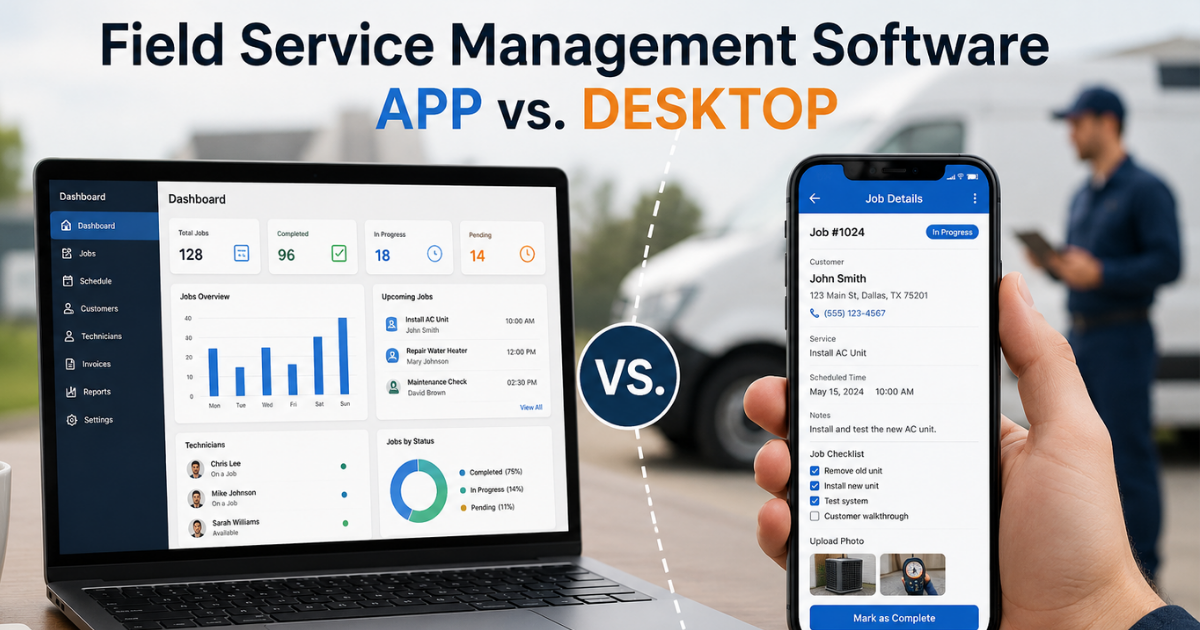
Businesses looking to simplify these processes can use field force management software such as FieldExecutives to bring GPS-based attendance, geofencing, and real-time visit tracking together in one system.
Instead of relying on employees to self-report honestly, the software captures location, time, and visit details automatically, giving managers a verified record without manual follow-up. FieldExecutives’ field service and field-industry solutions are built specifically to address the fake-visit problem at the source, using server-time punch-ins, geofencing, and mock-location detection rather than relying on a device’s own clock.
For teams that also need proof of work, not just proof of presence, the platform’s proof-capture workflow allows photos, signatures, or OTP verification to be logged alongside each visit. And for managers who want oversight without micromanaging, real-time dashboards surface attendance and visit data as it happens, rather than in a delayed weekly report. You can see the full feature set on the FieldExecutives features page, review pricing, or check common setup questions on the FAQ page.
Best Practices Checklist
- Switch from manual attendance to GPS-verified check-in/check-out
- Set up geofences around key client sites and work locations
- Require photo, signature, or form-based proof for visits
- Build structured beat plans instead of open-ended routes
- Review attendance and visit data in real time, not weekly
- Set realistic visit targets based on actual travel and task time
- Communicate the purpose of tracking clearly to your field team
- Audit flagged or inconsistent entries promptly and consistently
Conclusion
Fake field visits and false attendance rarely start as deliberate fraud — they usually creep in through weak processes, unrealistic targets, and a lack of verification. But left unaddressed, they distort your sales pipeline, inflate payroll costs, and quietly damage customer relationships.
The fix isn’t about tightening control for its own sake. It’s about building a system where honest reporting is the easiest path, and inaccurate reporting is simply no longer possible to hide. Reliable field employee attendance tracking — backed by GPS verification, geofencing, and real-time reporting — does exactly that.
If your team is still relying on manual attendance sheets or unverified check-ins, it may be time to see how a purpose-built system can close those gaps. FieldExecutives offers a practical starting point for businesses ready to make that shift.